Best Website Builder for Tutoring Business in 2026
Choosing the wrong website builder can cripple your tutoring business before it even gets started.
You might spend months building a beautiful website on a platform with terrible SEO, making it impossible for parents to find you on Google. Or you pick a platform that looks simple but locks you into expensive monthly fees and makes booking sessions a nightmare. Or worse, you choose a tutoring-specific platform that limits your design, kills your site speed, and gives you zero control over your own content.
I've seen tutors waste thousands of dollars and countless hours on the wrong platform, only to realize six months later that they need to rebuild everything from scratch.
Here's the reality for you, not all website builders are created equal! Some are great for e-commerce but terrible for education. Others are beginner-friendly but sacrifice SEO and scalability. And many tutoring-specific platforms promise "all-in-one" solutions but deliver restrictive, cookie-cutter websites that look like everyone else's.

Hi, I am Abdur, founder of Mabit Web Studio. For the past three years, I've been helping education businesses grow with conversion-focused websites and effective marketing strategies.
In this guide, I'll walk you through the best website builders for tutoring businesses. I'll compare them on ease of use, SEO performance, booking features, pricing, and scalability, so you can choose the right platform the first time.
Table of Contents
What Makes a Good Website Builder for Tutors?
Before we dive into specific platforms, let's establish what actually matters when choosing a website builder for your tutoring business.
1. Ease of Use for Non-Developers
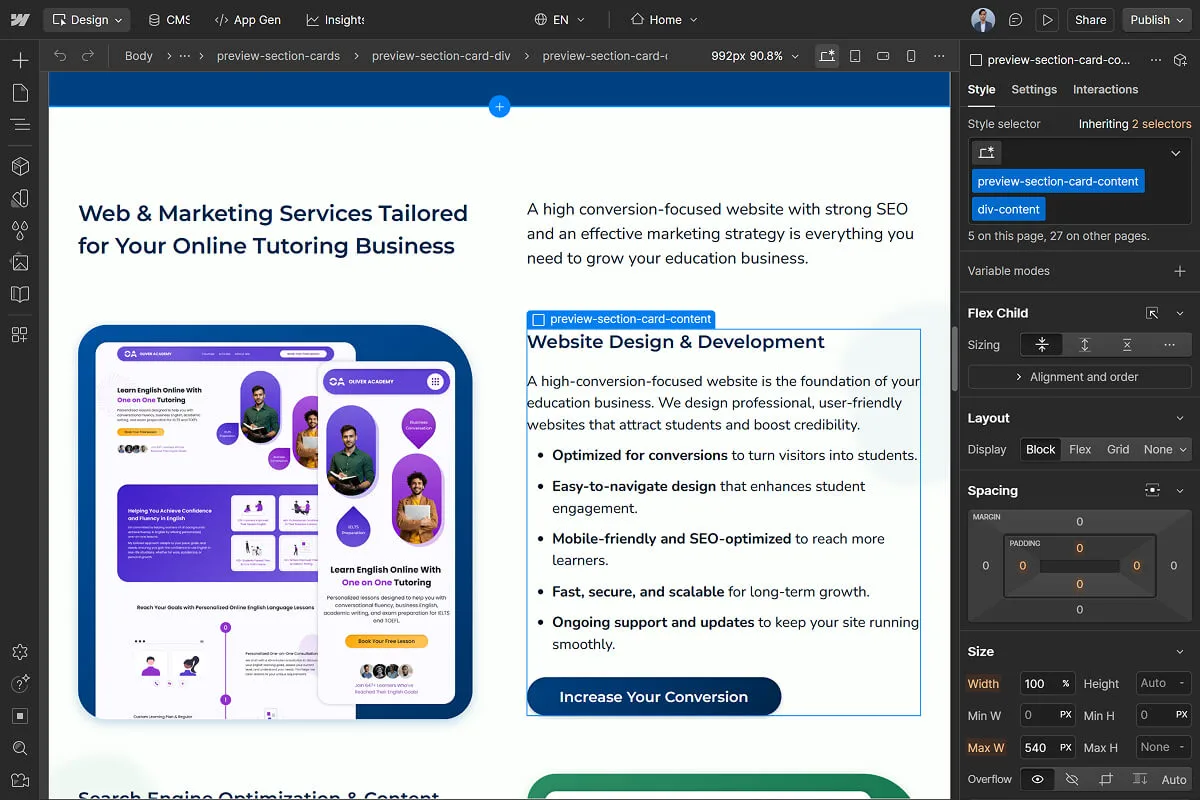
Most tutors aren't web developers. You need a platform that's intuitive enough to build and update your site without hiring someone every time you want to change a headline or add a new service.
What to look for:
- Drag-and-drop interface
- Pre-built templates for education businesses
- Clear documentation and support
- No coding required for basic customization
2. SEO-Friendliness
SEO (Search Engine Optimization) determines whether parents can find you when they search "math tutor near me" or "online chemistry tutoring" on Google.
What to look for:
- Ability to edit meta titles and descriptions
- Fast loading speeds & mobile responsiveness
- Proper heading structure (H1, H2, H3)
- Schema markup support
A platform with poor SEO means you'll struggle to rank in Google, forcing you to rely entirely on paid ads or word-of-mouth.
3. Booking and Scheduling Features
Your website needs to make it easy for parents and students to book consultations or sessions.
What to look for:
- Integration with scheduling tools (Calendly, Acuity, custom booking systems)
- Automated email confirmations and reminders
- Calendar syncing
- Easy-to-use booking forms
4. Payment and Course-Selling Options
If you sell courses, packages, or accept payments online, your platform needs to support this seamlessly.
What to look for:
- Payment gateway integration (Stripe, PayPal)
- Course delivery systems (if selling online courses)
- Membership or subscription options
- Secure checkout
5. Design Flexibility and Mobile Responsiveness
Your website needs to look professional and work flawlessly on all devices.
What to look for:
- Customizable design (not just template-based)
- Mobile-first design approach
- Control over colors, fonts, layouts
- Ability to add custom functionality when needed
Top 5 Best Website Builders for Tutoring Businesses
Let's break down the best platforms, ranked by overall performance for tutoring businesses.
1. WordPress (.org and .com)
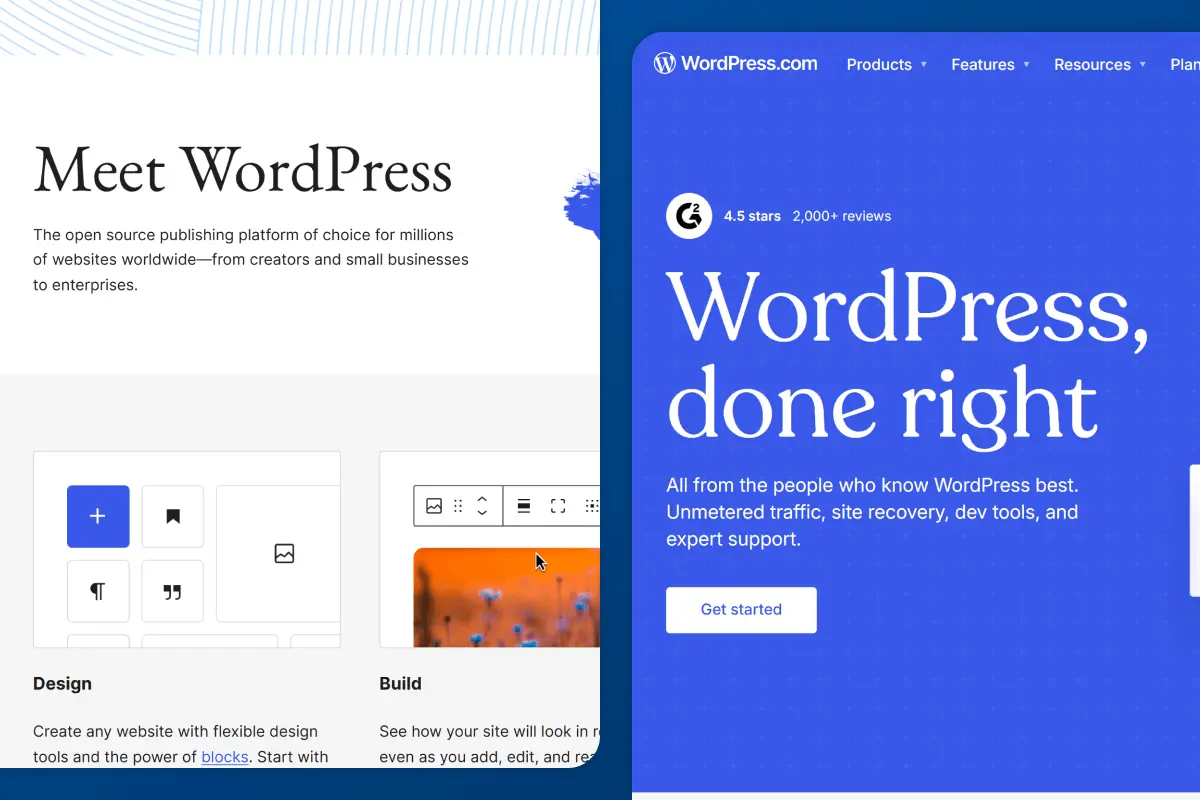
WordPress powers 43% of all websites on the internet. It's the most popular website builder for a reason: unmatched flexibility, SEO performance, and scalability.
But here's where it gets confusing: there are two versions of WordPress.
i. WordPress.org (Self-Hosted)
WordPress.org is the self-hosted version, where you download the WordPress software and install it on your own hosting provider (like Hostinger, or Bluehost).
Pros for tutors:
- Best SEO performance: Clean URLs, full meta tag control, fast speeds with proper optimization
- Unlimited customization: Thousands of plugins and themes specifically for education
- Complete ownership: You own your site and all its data
- Scalability: Start as a solo tutor and scale to a multi-subject agency without switching platforms
- Cost-effective long-term: One-time theme costs, affordable hosting
Cons for tutors:
- Steeper learning curve: More technical than drag-and-drop builders
- Requires hosting setup: You need to buy hosting and connect your domain
- Plugin costs add up: Premium plugins for booking, SEO, and forms can cost $100-300/year
- Maintenance required: You're responsible for updates, backups, and security
It is best for tutoring businesses serious about SEO, long-term growth, and complete control. If you're planning to scale beyond yourself or want the best organic visibility, WordPress.org is the gold standard. There is no question about it!
Pricing: $50-150 per year for hosting + $0-100+ for a theme + $0-300+ per year for premium plugins = $50-550+ year total
ii. WordPress.com (Hosted)
WordPress.com is a hosted version of WordPress where the company manages hosting, updates, and maintenance for you. It's simpler but more limited.
Pros for tutors:
- Easier than .org as no hosting setup is required
- Affordable for solo tutors: Free plan available; paid plans start at $4/month
- Good SEO on paid plans: Better than Wix or Squarespace
- No maintenance: Updates and backups handled for you
Cons for tutors:
- Limited customization on Can't install custom plugins or themes on lower plans
- Less control compared to .org
- Plugin restrictions: only certain plugins are allowed, even on higher plans
It is best for solo tutors who want simplicity, don't plan to scale significantly, and don't want to manage hosting or technical setup.
Pricing: $4-$25/month
Which WordPress should you choose?
If you're a solo tutor with a tight budget and no plans to scale, WordPress.com is a solid starting point. You get decent SEO without the complexity of managing hosting.
If you're serious about growing your tutoring business, want the best SEO, or plan to offer multiple subjects/tutors, WordPress.org is the clear winner. Yes, it's more technical upfront, but you'll never outgrow it.
My final verdict: WordPress.org is the best overall platform for tutoring businesses. WordPress.com is the best beginner-friendly alternative if you want simplicity.
2. Webflow
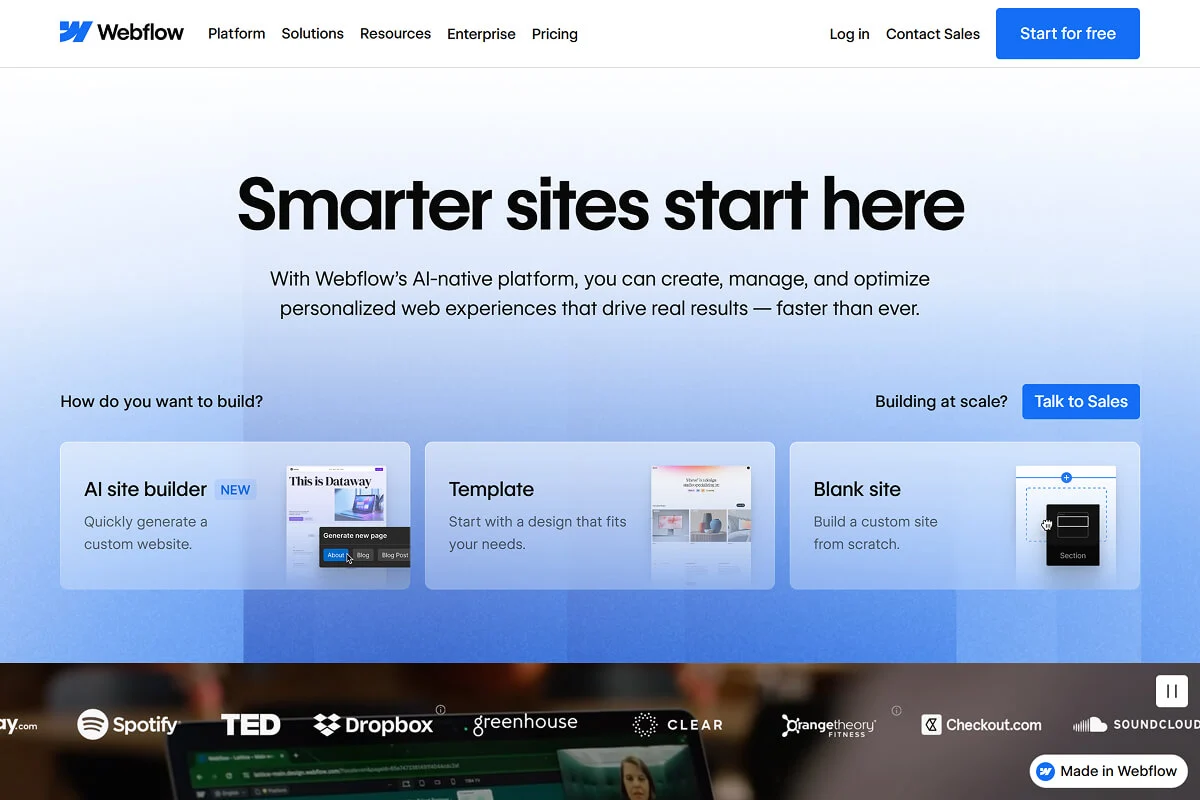
Webflow is a visual website builder that gives you design freedom similar to WordPress.org but without needing to code. It's powerful, modern, and built for people who care about design.
Pros for tutors:
- Excellent SEO: Clean code, fast speeds, full meta control
- Design freedom: Complete control over layout, animations, and visuals
- No coding required: Visual drag-and-drop editor
- Professional results: Websites look polished and unique
- Built-in hosting: No need to manage separate hosting
Cons for tutors:
- Steeper learning curve: More complex than Wix or Squarespace
- Higher cost: Even though the basic plan is at $14/month; the CMS plan is $23/month
- Limited plugins: Fewer third-party integrations compared to WordPress
- Developer-focused: Some features require understanding of web design concepts
This is best for creative tutoring niches (art, music, design) or tutors who want a unique, visually stunning website and don't mind investing in time to learn the platform. Also great if you're working with a designer who knows Webflow.
Pricing: $14-$39/month
My verdict on this: Best for design-conscious tutors in creative fields who want complete visual control.
3. Wix Studio
Wix is one of the most popular beginner-friendly website builders. It's drag-and-drop simple, includes built-in marketing tools, and offers all-in-one solutions.

Pros for tutors:
- Easiest to use: True drag-and-drop with no learning curve
- All-in-one platform: Includes email marketing, analytics, SEO tools, and booking
- Affordable: Plans start at $17/month
- Good templates: Tons of education-specific templates
- Built-in booking: Wix Bookings app included
Cons for tutors:
- Weaker SEO than WordPress/Webflow: Slower load times, less control over technical SEO
- Less design flexibility: Templates can feel restrictive
- Platform lock-in: Hard to migrate to another platform later
It is best for solo tutors who want an all-in-one platform with built-in marketing tools and don't want to deal with plugins, hosting, or technical setup. Only consider Wix if you need the all-in-one marketing features and are okay with slightly weaker SEO.
By weaker SEO, it doesn’t mean a 0 seo score. It’s just that, according to our experience, we have found that Wix Sites take longer to rank in Google compared to other platforms due to their backend. We work with Wix sites often and you can build your sites there understanding the fact that it might take longer than usual to get traffic. Other than that, it’s a great all-in-one platform.
Pricing: $17-$32/month
My Verdict: Best for solo tutors prioritizing simplicity and all-in-one marketing over SEO performance.
4. Kajabi
Kajabi is an all-in-one platform designed for course creators, coaches, and membership sites. It includes website hosting, course delivery, email marketing, and sales funnels in one place.

Pros for tutors:
- True all-in-one: Website, courses, email, funnels, payments, literally everything included
- Course delivery built-in: Perfect for selling online courses or memberships
- Marketing automation: Email sequences, landing pages, sales tracking
- Professional templates: Designed specifically for educators and coaches
Cons for tutors:
- Very expensive: Starts at $149/month
- Overkill for simple tutoring: If you're just offering 1-on-1 sessions, Kajabi is excessive
- SEO limitations: Not as strong as WordPress or Webflow
- Platform lock-in: Hard to migrate courses and content if you leave
This is good for large tutoring businesses or agencies with multiple service models (1-on-1 tutoring, group classes, online courses, memberships) who want everything in one platform and have the budget to support it.
Pricing: $149-$399/month
My Verdict: Best for large, multi-service tutoring businesses with significant budget, but overkill for solo tutors or small-medium sized businesses.
5. Teachable
Teachable is a course platform specifically designed for creating and selling online courses. If your primary business model is pre-recorded courses rather than live tutoring, Teachable is built for you.

Pros for tutors:
- Course-focused: Designed specifically for course creation and delivery
- Easy course builder: Upload videos, PDFs, quizzes, and assignments effortlessly
- Built-in payments: Stripe and PayPal integration
- Student management: Track progress, issue certificates, manage enrollments
- Affordable compared to competitors: Starts at $39/month
Cons for tutors:
- Limited website customization: Your main site will be basic
- Not ideal for live tutoring: Built for courses, not booking 1-on-1 sessions
- Transaction fees on lower plans: 5% fee on Basic plan
- SEO limitations: Course pages aren't as SEO-friendly as WordPress
This is the best for tutors who primarily sell pre-recorded courses, not live 1-on-1 sessions. If your business model is "buy my course and learn at your own pace," Teachable is perfect.
Pricing: $39-$119/month
My Verdict: Best for course-based tutors who don't need live booking or extensive website customization.
Platforms to Avoid
1. Squarespace: Beautiful templates but poor SEO performance and limited design flexibility. Better for portfolios than tutoring businesses.
2. Framer: As a fellow web developer, love their design freedom but it’s not ideal for education businesses.
3. Yo-Coach: Tutoring-specific platform with severely limited SEO capabilities and restrictive customization. You can't access the code, can't make basic SEO fixes (like proper heading hierarchy), and you're forced to pay their developers for simple updates. Avoid unless you want to be locked into a platform with poor Google rankings and no flexibility.
Comparison Table of The Top 5 Website Builders
Here is a table comparing the ease of use, SEO strength, booking features, pricing range, best for, and my verdict on each of the website builders.
Which Website Builder is Right for Your Tutoring Business?
Here's my honest recommendation based on your specific situation:

1. Solo Tutor with No Plans to Scale
Priority: Simplicity, ease of use, low cost
Best options:
- WordPress.com: Great balance of simplicity and decent SEO. No hosting headaches.
- Wix Studio: Only consider this if you need all-in-one marketing features (email, analytics, booking) in one platform. Be aware that SEO won't be as strong as WordPress.
Why not WordPress.org?
If you're not tech-savvy and don't plan to scale, managing hosting and plugins might feel overwhelming. WordPress.com gives you the WordPress SEO benefits without the technical complexity.
2. General Tutoring Business with Multiple Subjects or Tutors
Priority: Scalability, branding, integrations, strong SEO, professional booking
Best options:
- WordPress.org: No competition here. You need complete control, the best SEO, and the ability to scale without platform limitations.
- Webflow: Only choose this if you're in a creative tutoring niche and design freedom is critical. Be prepared for higher costs and a learning curve.
Why WordPress.org dominates here:
You can start with a simple site and grow into a multi-tutor agency without switching platforms. Add booking systems, payment processing, course platforms, and marketing tools as you scale. WordPress grows with you.
3. Large Agency with Multiple Service Models
Priority: All-in-one platform for courses, 1-on-1 tutoring, group classes, memberships
Best option is Kajabi:
If you have the budget ($1,788+/year) and need website, courses, email marketing, and sales funnels all in one place, Kajabi delivers. But be aware of SEO limitations and platform lock-in.
Alternative: WordPress.org with plugins for courses (LearnDash), memberships (MemberPress), and email (Mailerlite). More setup work, but better SEO and complete ownership.
4. Course-Based Tutor (Pre-Recorded Courses, Not Live Sessions)
Priority: Course delivery, student management, payment processing
Best option is Teachable:
Built specifically for course creators. Easy to upload videos, manage students, and process payments. If your business model is "buy my course," Teachable is perfect.
Alternative: WordPress.org with LearnDash or Tutor LMS plugin. More setup, but better SEO and complete control.
Best Overall Option for Everyone
WordPress.org is the best overall platform for tutoring businesses.
Here's why:
- Full custom freedom: You're not locked into templates or platform limitations
- You own your platform: Your content, your data, your site
- Best SEO performance: Clean code, fast speeds, complete control
- Long-term scalability: Start as a solo tutor, scale to an agency, and add courses. WordPress handles it all!
- Cost-effective: Higher upfront learning curve, but lower long-term costs than subscription platforms.
- Massive community: Thousands of plugins, themes, and resources
If you're willing to invest a weekend learning the basics (or hire someone to set it up initially), WordPress.org will serve your tutoring business for years without needing to rebuild or migrate platforms.
Common Mistakes To Avoid
Mistake 1: Ignoring SEO and Long-Term Scalability
Choosing a platform because it's "easy" or "cheap" without considering SEO will cost you in the long run. If parents can't find you on Google, you'll spend thousands on ads just to get traffic.
That’s why always prioritize SEO performance, even if it means a slightly steeper learning curve or more investment.
Mistake 2: Choosing a Tutoring-Platform-Hosted Site That Limits Design and SEO
Platforms like Yo-Coach promise "all-in-one tutoring solutions" but lock you into restrictive designs, poor SEO, and no control over your site. You're forced to use their developers for basic changes and can't optimize for search engines.
Choose general website builders (WordPress, Webflow, Wix) over tutoring-specific platforms. You get more flexibility and better SEO. Tutoring platforms are generalists, where the website builders are the experts in websites!
Mistake 3: Over-Complicating with Too Many Tools Early On
Don't try to integrate 15 different plugins and tools on day one. Start simple: website, booking system, payment processing. Add complexity as you grow.
Build your MVP: Minimum Viable Product website first. Add advanced features later.
Mistake 4: Not Planning for Subdomains
If you're building a tutoring business and plan to add a separate course platform or learning management system later, you'll need subdomains (e.g., learn.yourdomain.com or courses.yourdomain.com).
Some platforms make subdomains easy (WordPress, Webflow). Others make them difficult or expensive (Wix, Squarespace). That’s why if you plan to scale or add courses, choose a platform that supports subdomains easily.
How Mabit Web Studio Can Help You
Choosing the right platform is just the first step. Building a conversion-focused tutoring website that actually attracts students and drives bookings requires strategy, design, SEO, and copywriting expertise.
At Mabit Web Studio, we specialize in building professional, high-converting websites for online education businesses. We handle everything:
- Platform selection and setup: we recommend the best platform for your specific needs and budget.
- Custom website design: professional, mobile-responsive designs that reflect your brand.
- SEO optimization: clean URLs, fast speeds, proper structure to rank in Google.
- Booking and payment integration: seamless scheduling and payment systems.
- Copywriting: conversion-focused copy that turns visitors into students.
- Ongoing support: we're here when you need updates or help.

If building your website feels overwhelming, or you'd rather focus on teaching while experts handle the technical side, we can help.
Schedule a free consultation to discuss your tutoring business website and get a custom recommendation on the best platform and strategy for your goals.
Conclusion
Choosing the best website builder for your tutoring business comes down to your priorities: ease of use, SEO, scalability, and budget.
But here's one piece of advice: don't choose a platform just because it's easy or cheap today. Think about where your tutoring business will be in 2-3 years. Choose a platform that grows with you, supports strong SEO, and doesn't lock you into restrictive templates or expensive monthly fees.
Key Takeaways:
- WordPress.org is the best overall platform for SEO, scalability, and long-term ownership
- WordPress.com is the best beginner-friendly alternative for solo tutors on a budget
- Webflow is best for creative tutors who prioritize design freedom
- Wix is best for solo tutors wanting all-in-one simplicity (with weaker SEO)
- Kajabi is best for large agencies with multiple services and significant budget
- Teachable is best for course-based tutors selling pre-recorded content
- Avoid tutoring-specific platforms like Yo-Coach due to poor SEO and design limitations
- Prioritize SEO and scalability over short-term ease of use
- Don't over-complicate early; start simple and add features as you grow
Ready to build your tutoring business website? Your platform choice is just the beginning. For a complete step-by-step guide on building a tutoring business website that attracts students and converts visitors into bookings, check out our comprehensive article: How to Build a Website For Your Tutoring Business.
And if you need expert help choosing the right platform, designing your site, and optimizing for SEO, Mabit Web Studio is here. We specialize in building conversion-focused websites for online education businesses. Schedule a free consultation to discuss your project.